
Tools & Productivity
Battery Inventory
Tool & Battery Tracker
Nine packs, three chargers, and no idea which ones are ready. Track every battery, charger and tool in one place — tag packs with NFC stickers, see what's charged at a glance, and know you have enough power before you start the job.
- On-device, no account
- NFC sticker scanning
- Job readiness checks
- Works offline
Always know where every battery is.
How it works
-
Add your packs
Create a battery for each pack — brand, voltage, capacity and a charge level. Tag it with an NFC sticker for instant lookup.
-
Set up tools
Add your tools and how many packs each one needs, so the app knows what a full job requires.
-
Track at a glance
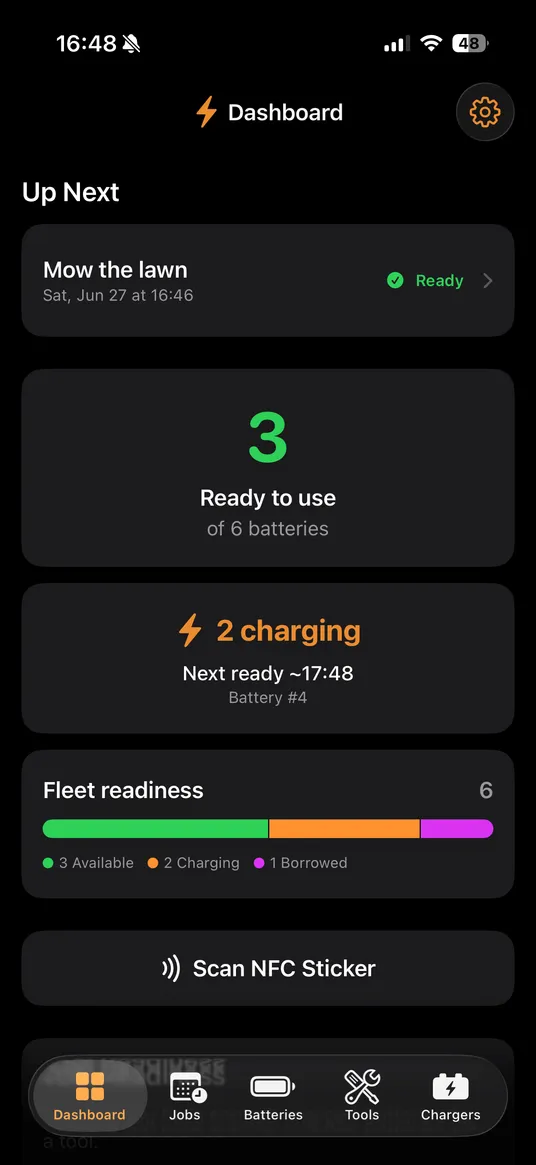
Mark packs available, charging, in a tool, borrowed or missing. The dashboard always shows what's ready.
-
Plan the job
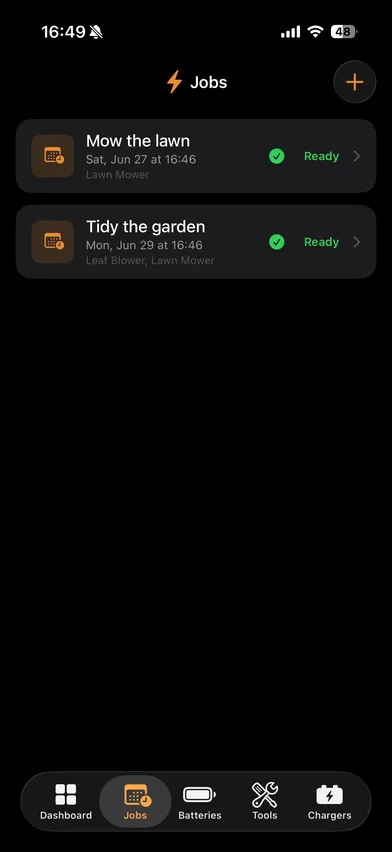
Pick a job and the app checks your inventory — green when you have enough charged packs, a warning when you're short.
A look inside
What's inside
-
Live status for every pack
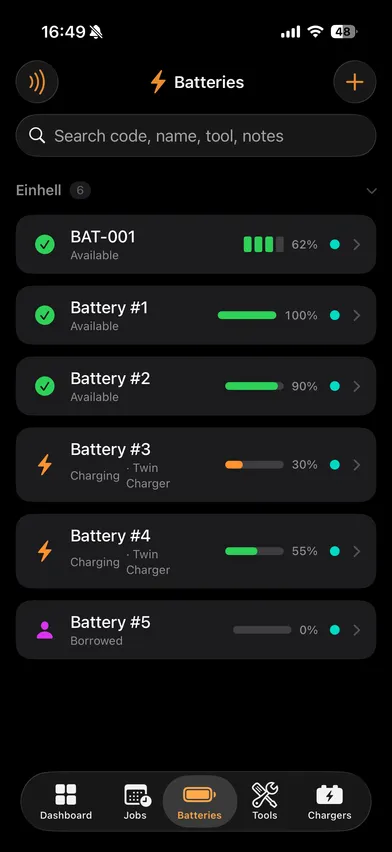
Available, charging, in a tool, borrowed, missing or retired — update a pack's state in a tap and the whole inventory keeps up.
-
NFC sticker scanning
Stick a tag on each battery and tap to jump straight to its details. The fastest way to update where a pack is.
-
Job readiness
Choose a planned job and the app checks your charged inventory, telling you whether you're ready or exactly how many packs you're short.
-
Tools & chargers
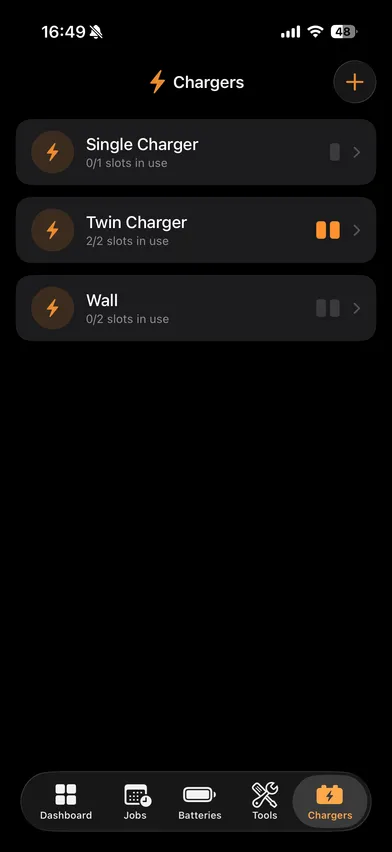
Define how many packs each tool needs and how many slots each charger has, so the dashboard reflects your real workshop.
-
Fleet overview
A single readiness bar and counts — available, charging, in tools, borrowed — answer "what's ready right now?" at a glance.
-
On-device & private
Everything lives on your iPhone with SwiftData. No account, no sign-in, no cloud — and it works completely offline.
About Battery Inventory
Battery Inventory is an iOS-first app for anyone who owns more cordless batteries than they can keep track of — homeowners with a few garden tools, DIYers, and workshop owners juggling dozens of interchangeable packs across chargers, shelves, vehicles and worksites.
It’s built to feel like inventory and asset tracking, not a complicated maintenance system. Add your packs, tools and chargers once, then update where each battery is in a couple of taps — or just tap an NFC sticker. The dashboard always shows how many packs are charged and ready, and a job-planning check tells you whether you have enough for the next task before you head out.
Everything is stored locally on your device with SwiftData — no account, no login, no cloud dependency — so it’s fast, private and fully usable offline. Available in 22 languages.